

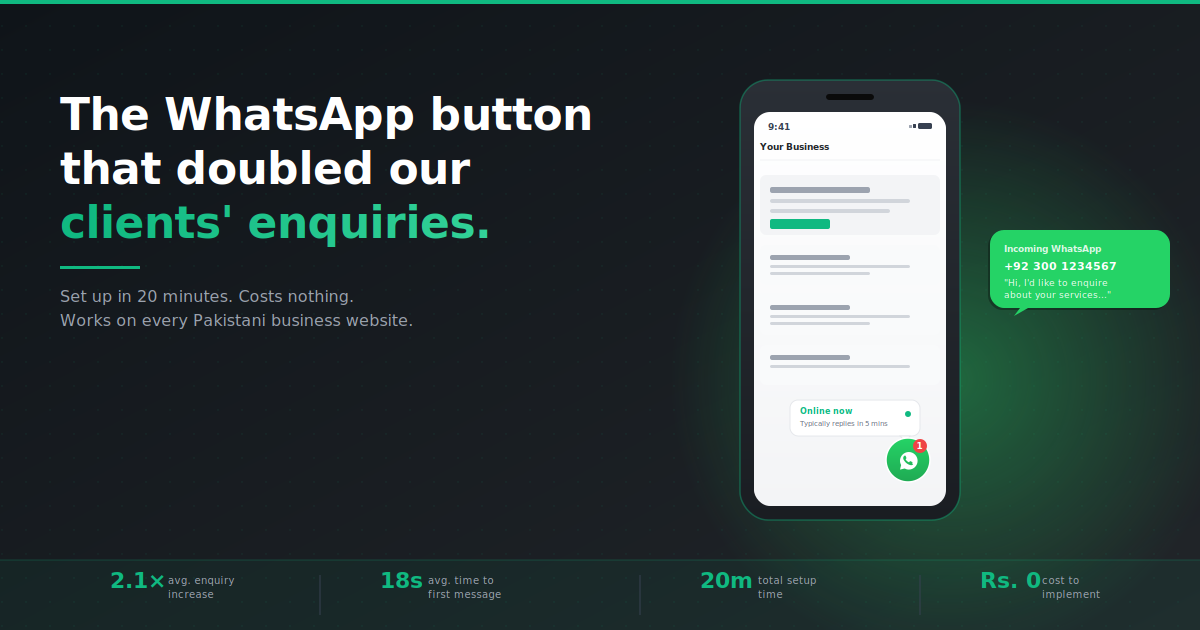
A floating WhatsApp button in the corner of your website. It’s the most overlooked, lowest-effort, highest-ROI change you can make to a Pakistani business website — and the data is genuinely embarrassing for any business that hasn’t installed one yet.
There’s a specific pattern we see in every audit of a Lahore business website that’s underperforming. Visitors land on the homepage. They scroll. They look at services. They consider filling out a contact form. They don’t. They leave. And the business owner has no idea what just happened.
Here’s what’s happening: in Pakistan, most people don’t want to fill a form. They want to send a quick WhatsApp. It’s the cultural default. A form feels formal, slow, and one-sided. WhatsApp feels casual, immediate, and conversational. Yet 9 out of 10 Lahore business websites still don’t have a sticky WhatsApp button — they have a contact form on a separate page and call that lead capture.
This post is going to take 4 minutes of your time. By the end, you’ll know exactly why the WhatsApp button works the way it does, what the data looks like in real businesses we’ve worked with, and how to install one yourself in under 20 minutes.
Why WhatsApp converts and forms don’t (in Pakistan specifically)
WhatsApp isn’t just a messaging app in Pakistan. It’s the default communication channel for almost every interaction outside of immediate family — including business. Understanding why it converts so much better than a form requires understanding three behavioural realities of how Pakistanis interact with the internet.
Reality 1 — Forms create a commitment that strangers won’t make
A contact form requires a visitor to give you their name, email, phone number, and a message — to a business they’ve never spoken to. That’s a commitment. WhatsApp requires nothing — just tap, type “Hi, do you handle…”, send. The friction is roughly 1/10th of a form. And friction is everything in conversion.
Reality 2 — WhatsApp confirms the business is real
A WhatsApp button with a real Pakistani number (preferably WhatsApp Business with a green check) tells a visitor in 1 second that you’re a legitimate, contactable business. A contact form tells them nothing — they don’t know if anyone actually monitors it, when they’ll get a response, or if it’s even working. Trust signal: huge difference.
Reality 3 — It matches the post-click experience visitors expect
When a Pakistani buyer clicks “contact” on any business they’ve heard of through a friend’s recommendation, the next step in their head is “send a WhatsApp.” Your website should match that mental model — not redirect them through forms, captchas, and “we’ll get back to you within 48 hours” responses. Speed of response is the single biggest factor in whether they buy from you or your competitor.
How to set up a sticky WhatsApp button in 20 minutes
You don’t need a developer for this. The whole thing can be done by a non-technical business owner in under 20 minutes, regardless of whether you’re on WordPress, Shopify, or a custom-built site.
- Set up WhatsApp Business (not personal WhatsApp). Download WhatsApp Business from the Play Store or App Store. Use a dedicated business phone number (or your existing one). Complete the business profile: name, category, description, website, business hours. The green tick verification can come later — it’s not required to start.
- Generate your wa.me link. This is the magic URL that opens a WhatsApp chat directly. Format:
https://wa.me/92XXXXXXXXXX?text=Hi%2C%20I%27d%20like%20to%20enquire%20about...— the number is your full international number without the +, and thetext=parameter is your pre-filled message. Use wa.me/ to test it works correctly before deploying. - Install a sticky button plugin (WordPress users) OR add custom code. For WordPress: install “Click to Chat — HoliThemes” or “WP Social Chat” — both are free, take 3 minutes to configure, and work out of the box. For other platforms: copy-paste HTML/CSS code from the wa.me link above.
- Position it bottom-right, on every page, with mobile-specific sizing. Bottom-right is what every user expects — don’t try to be clever. On desktop, a 60×60px circular button. On mobile, slightly smaller (50×50px) but always visible. Never hide it on scroll.
- Set the pre-filled message contextually. A generic “Hi” works, but a service-specific pre-filled message converts even better. Examples: “Hi, I’m interested in your residential design service” or “Hi, I’d like to book a consultation.” This removes the awkwardness of the visitor wondering what to say.
- Add a small notification dot or “Online” indicator. A subtle green pulse or “Typically replies within 5 mins” tooltip massively increases click rate. People want to know someone’s actually there before they tap.
- Connect to a CRM for instant follow-up automation. This is the step almost everyone skips. Every WhatsApp lead should be logged in a CRM with automatic categorization (which page they came from), tagged for follow-up, and tracked through to conversion. See our CRM & automation service → for how we set this up for clients.
- Test it from a fresh device every Friday. WhatsApp links break for weird reasons — phone number changes, business profile updates, app glitches. Make a 30-second weekly test part of your routine. Tap the button on your live site from a different phone, confirm the chat opens with the right message, send a test enquiry, confirm it arrives.
Related reads on AutoGrow:
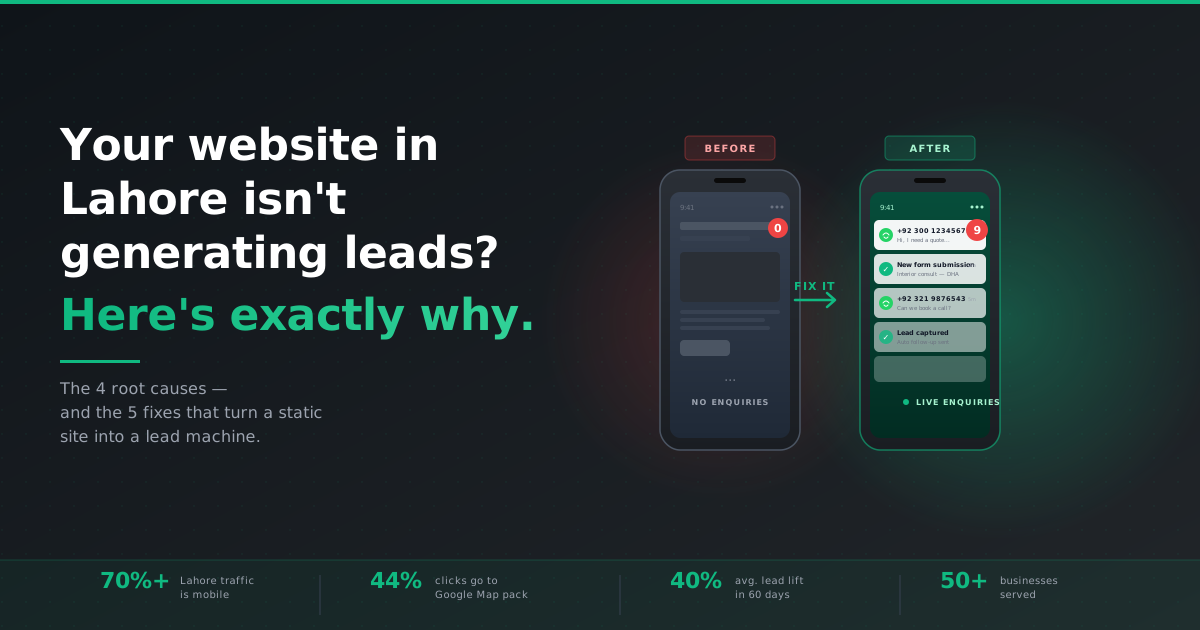
→ Why your website isn’t generating leads |
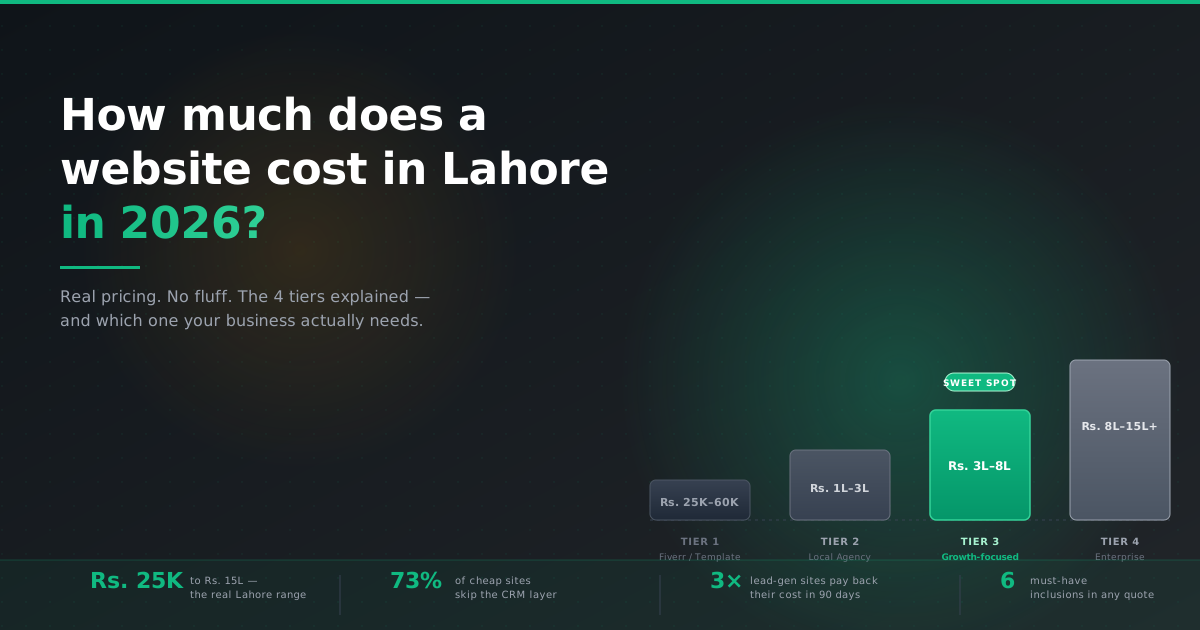
→ Real website pricing in Lahore |
→ How to rank on Google Maps in Lahore |
→ CRM & automation service
Frequently asked questions
Should I use WhatsApp Business or my personal WhatsApp number for my website button?
Always WhatsApp Business. It separates personal messages from work, lets you set business hours and auto-reply messages, and lets you build a verified business profile that customers can see. Personal WhatsApp doesn’t have any of those features and looks unprofessional. The Business app is free and takes 5 minutes to set up.
Will adding a WhatsApp button slow down my website?
No — properly implemented, it adds essentially zero load time. The most common WordPress plugins for this are under 30KB and load asynchronously. Avoid plugins that load the entire WhatsApp Web SDK (some bloated ones do this) — they’re unnecessary and add real load time.
What pre-filled message should I use on my WhatsApp button?
Service-specific is much better than generic. Bad: “Hi”. Good: “Hi, I’d like to enquire about your home interior design services.” Best: change the pre-filled message contextually based on which page the visitor is on (so the message from your “Pricing” page mentions pricing, and the message from your “Services” page mentions services).
How do I track WhatsApp button clicks for analytics?
Add a Google Analytics 4 event for the button click. Most WordPress plugins (like “Click to Chat”) have built-in GA tracking — just toggle it on. For custom implementations, add an onClick event that fires a gtag event for whatsapp_click to your tracking. This lets you measure conversion rate from button clicks to actual customer enquiries.
Can I use the same WhatsApp button on multiple Pakistani business websites?
Yes, but make sure each website’s button uses the appropriate WhatsApp Business number for that specific business — not a single shared number. Each business should have its own WhatsApp Business profile with location, hours, and category set correctly. Sharing a number across multiple businesses creates confusion and looks unprofessional.